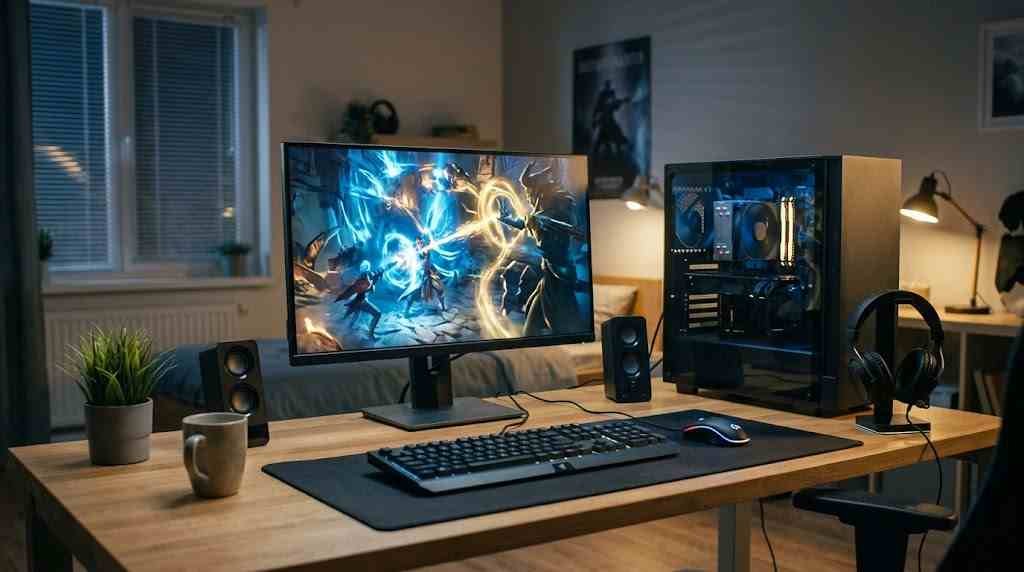
Dota 2 has a rather generous idea of what constitutes a gaming computer.
According to the minimum requirements listed on Steam, you can supposedly run Valve’s famous multiplayer game on an old dual-core processor with just 4 GB of RAM and a graphics card that was considered modest nearly two decades ago.
And technically, you might.
The game could launch, the main menu might appear, and you might even manage to enter a match. Everything seems perfectly fine until ten heroes gather in one place and begin throwing spells at each other like a collection of particularly angry wizards.
Suddenly, your framerate collapses.
Your hero stops responding, the screen stutters, and by the time your computer figures out what happened, you’re dead. Your teammates, meanwhile, are probably wondering whether you’ve fallen asleep at the keyboard.
Welcome to Dota 2 on minimum specifications.
What You Actually Need to Play Dota 2
Dota 2 originally appeared in 2013, and computers have changed enormously since then. Unfortunately, so has the game.
Years of updates, new heroes, visual effects and increasingly elaborate battles have made it considerably more demanding than the original release.
Dota 2 PC Requirements:
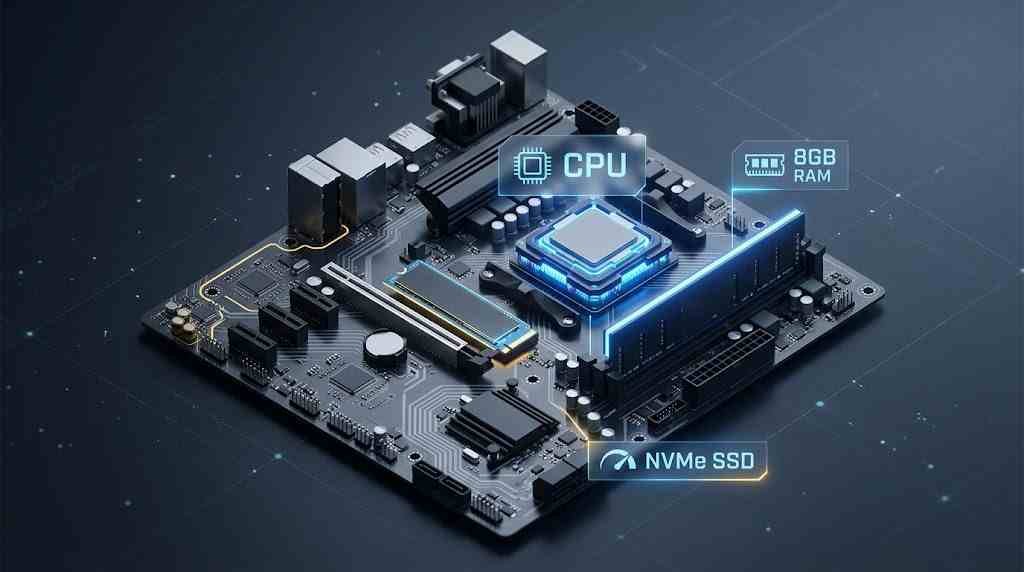
For a reasonably comfortable experience at low settings, I’d recommend a modern quad-core processor, such as an Intel Core i3 or AMD Ryzen 3.
Eight gigabytes of RAM should be considered a sensible starting point. Four gigabytes might satisfy the minimum requirements, but Windows, Steam and background applications will happily consume much of that before Dota even gets its share.
As for graphics, you don’t need anything particularly extravagant. A GTX 750 Ti or reasonably capable integrated graphics, such as certain Intel Iris or AMD Vega models, may be sufficient at lower resolutions and settings.
Don’t expect miracles, however. Maintaining 60 FPS during a quiet farming session is one thing. Maintaining it during an enormous team fight is another matter entirely.
What About 100 FPS or More?
If you’re after consistently smoother gameplay, a stronger computer makes considerably more sense.
Something like an Intel Core i5 from the 12th generation onward, or an AMD Ryzen 5 5600, paired with 16 GB of RAM, would make an excellent foundation.
Add a GTX 1660 Super, RTX 3060 or Radeon RX 6600, and you’ve got a rather capable machine for Dota 2.
An SSD is strongly recommended, too.
Old mechanical hard drives can make loading considerably slower. And in a competitive multiplayer game, lengthy loading delays aren’t merely irritating. If they prevent you from connecting to a match in time, you could end up receiving matchmaking penalties.
Imagine being punished for arriving late to a battle because your computer needed another minute to find its boots.
Not particularly amusing when it happens to you.
A Few Settings That Can Make a Difference
Before spending money on expensive upgrades, try reducing the graphics settings.
Lower Game Screen Render Quality to around 80–85%, reduce shadows, and disable demanding atmospheric and water effects where possible.
Close unnecessary background applications, especially if you’ve only got 8 GB of RAM.
Older guides also recommend launch commands such as -prewarm -map dota, although their usefulness depends on the current game version, so don’t assume they’ll still improve loading.
Ultimately, Dota 2 doesn’t require an enormously powerful computer. A reasonably modern budget machine can still handle it quite well, provided you’re sensible about settings and expectations.
Just remember that minimum requirements tell you whether a game might run.
They don’t necessarily tell you whether you’ll enjoy playing it.
And when victory depends on reacting in a fraction of a second, there’s very little consolation in knowing your computer technically meets the requirements while your hero lies dead on the battlefield.